Ragdoll Arena
Blast and bounce ragdoll waves across 10 multi-tier arenas, chain wall knockbacks, and defeat giant stage bosses.

Runs free in browser · Desktop & Mobile · Instant Fullscreen
Preparing the Arena — Loading Ragdoll Arena…
Sharpening blades and arming floor traps
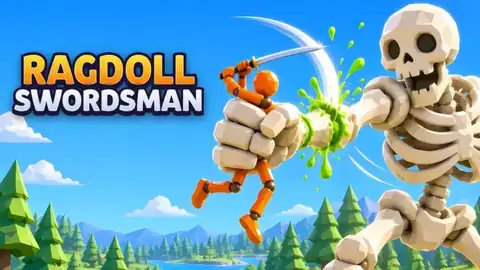
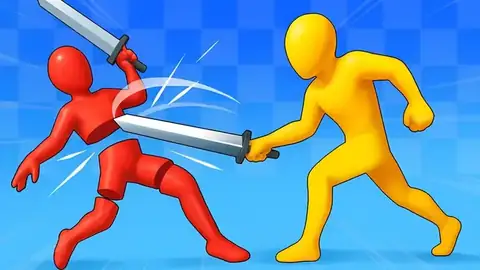

Ragdoll Arena Controls (Desktop & Touch)
| Input / Gesture | In-Game Action |
|---|---|
| A / D, Q / D, or Left / Right Arrows (PC) | Move left and right across multi-tier arena platforms |
| W / Space & S / Down Arrow (PC) | Jump up (`W` / `Space` / Up) or drop down through platforms (`S` / Down) |
| Left Click / Hold (PC) | Auto-aim shot on click; hold left mouse button for sustained fire |
| E / Tab / 1 / 2 & R / F (PC) | Switch active weapon (`E`, `Tab`, `Shift`, `1`/`2`) and unleash charged SUPER (`R` / `F`) |
| Left Drag + Red Attack Stick (Mobile) | Move, push up to jump, push down to drop; tap or drag Red Stick to shoot + SUPER button |
Ragdoll Arena turns multi-platform colosseums into high-velocity physics pinball. Instead of trading slow single strikes, you blast, launch, and bounce waves of ragdoll fighters off stone walls and wooden crates—using enemy momentum to trigger screen-clearing chain reactions before squaring off against a giant stage boss at the end of every arena.
How Waves, Wall Bounces & Bosses Work in Ragdoll Arena
Across 10 distinct multi-wave arenas, Ragdoll Arena rewards positioning and knockback angles just as much as raw accuracy:
- Momentum Chain Reactions: Hitting a front-line enemy hard enough sends their ragdoll body hurtling backward into clustered pursuers, knocking whole squads off elevated ledges or into wall corners.
- On-the-Fly Weapon Switching: Swap between equipped weapons mid-wave (
E,Tab,Shift, or1/2on PC; the Weapon button on mobile) so you always have rapid fire for agile runners and heavy knockback shots for armored waves. - Charged SUPER Burst (
RorF): Landing hits fills your Super gauge. Save your charged SUPER attack (R/Fon PC or the on-screen SUPER button on mobile) for dense late-wave spawns or the arena's boss entrance. - 10 Giant End-of-Arena Bosses: Clearing every wave in an arena summons that stage's giant boss, testing your platform drops (
S/ Down Arrow) and jump timing (W/Space) across multi-tier wooden and stone platforms.
Desktop & Mobile Play Tips
On desktop browsers, clicking an enemy triggers snappy auto-aim fire while holding the left mouse button sustains continuous shots, letting you focus on platform dodging (A/D to strafe, W/Space to jump, S to drop down a tier). On phones and tablets, the left thumb drag handles horizontal movement, jumping (push up), and platform drops (push down), while the red attack stick lets you either tap for quick auto-aim shots or drag-and-release for manual bank shots.
Want direct melee sword dismemberment and environmental trap kills next? Play Ragdoll Swordsman on our homepage, step into 3D knight duels in Epic Sword Battle, challenge a friend on one keyboard in Stick Fight Arena, or check our Ragdoll Sword Battles guide.
Ragdoll Arena FAQ
How many arenas and bosses are in Ragdoll Arena?
Ragdoll Arena features 10 multi-wave arenas, and every arena concludes with a giant boss battle once the standard waves are cleared.
How do you activate the SUPER attack in Ragdoll Arena?
Press R or F on a desktop keyboard (or tap the glowing SUPER button on mobile) once your combat meter finishes charging during a wave.
How do you switch weapons during a wave in Ragdoll Arena?
Press E, Tab, Shift, or number keys 1 and 2 on PC—or tap the Weapon icon on touchscreen devices—to switch weapons instantly mid-fight.
Arena Combat Log (0)
Cleared level 30, sliced a Titan's wrist, or found a high-coin trap combo? Leave a field note for the next swordsman.